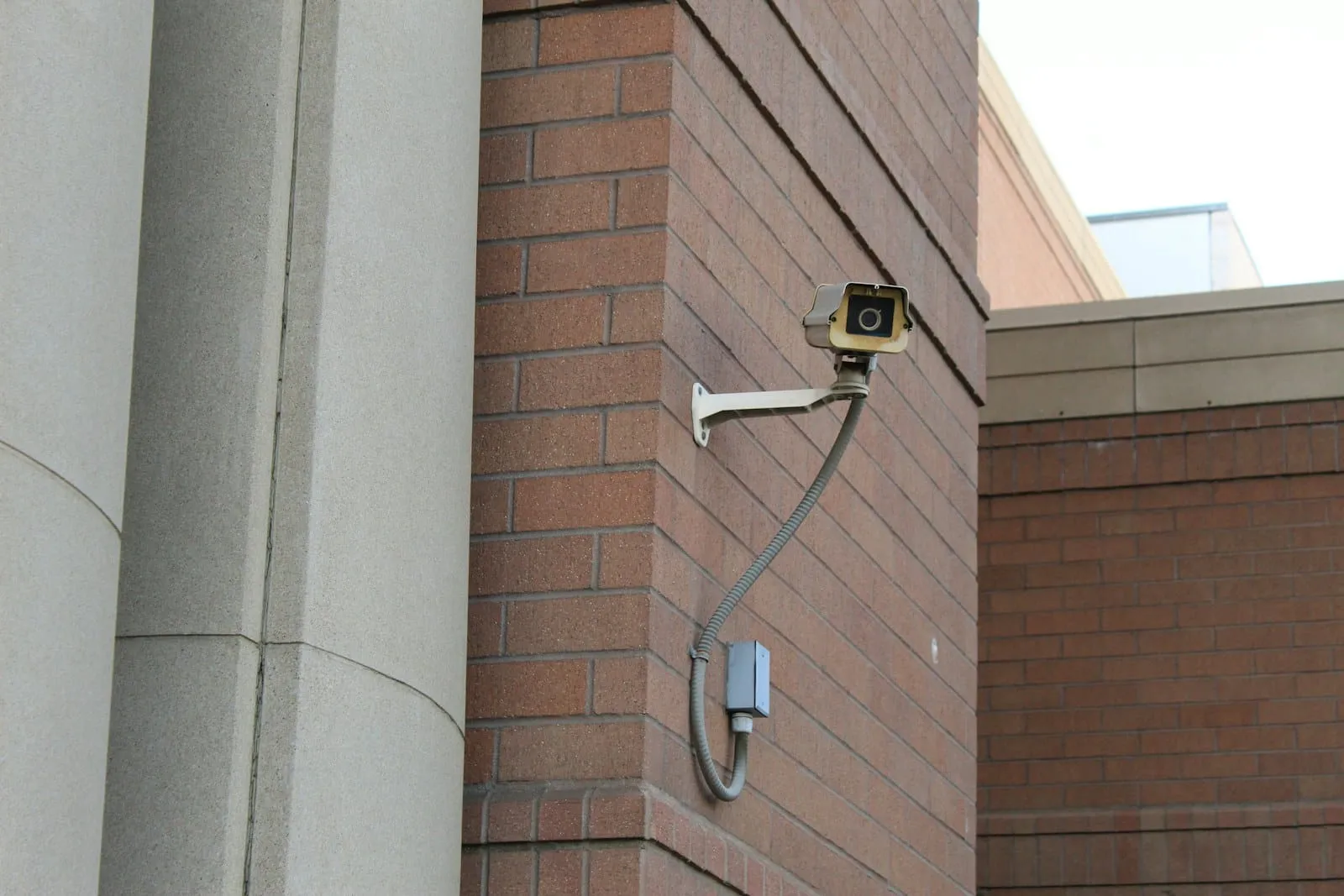
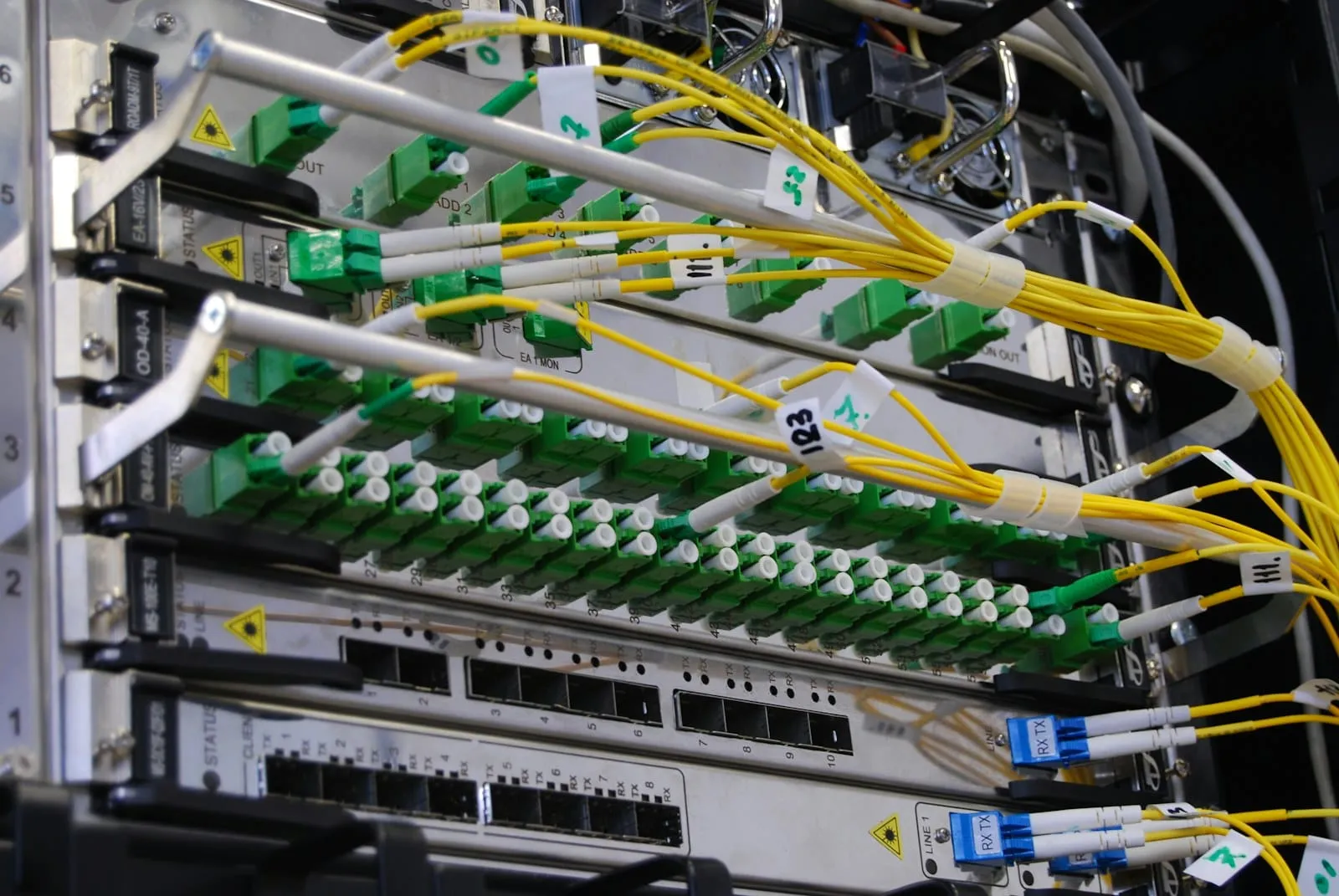
Everything else we fit runs on the network: cameras, door controllers, phones, access points. So we take the cabling seriously, because a tidy, labelled, tested network is what makes every other system reliable and every future change cheap.
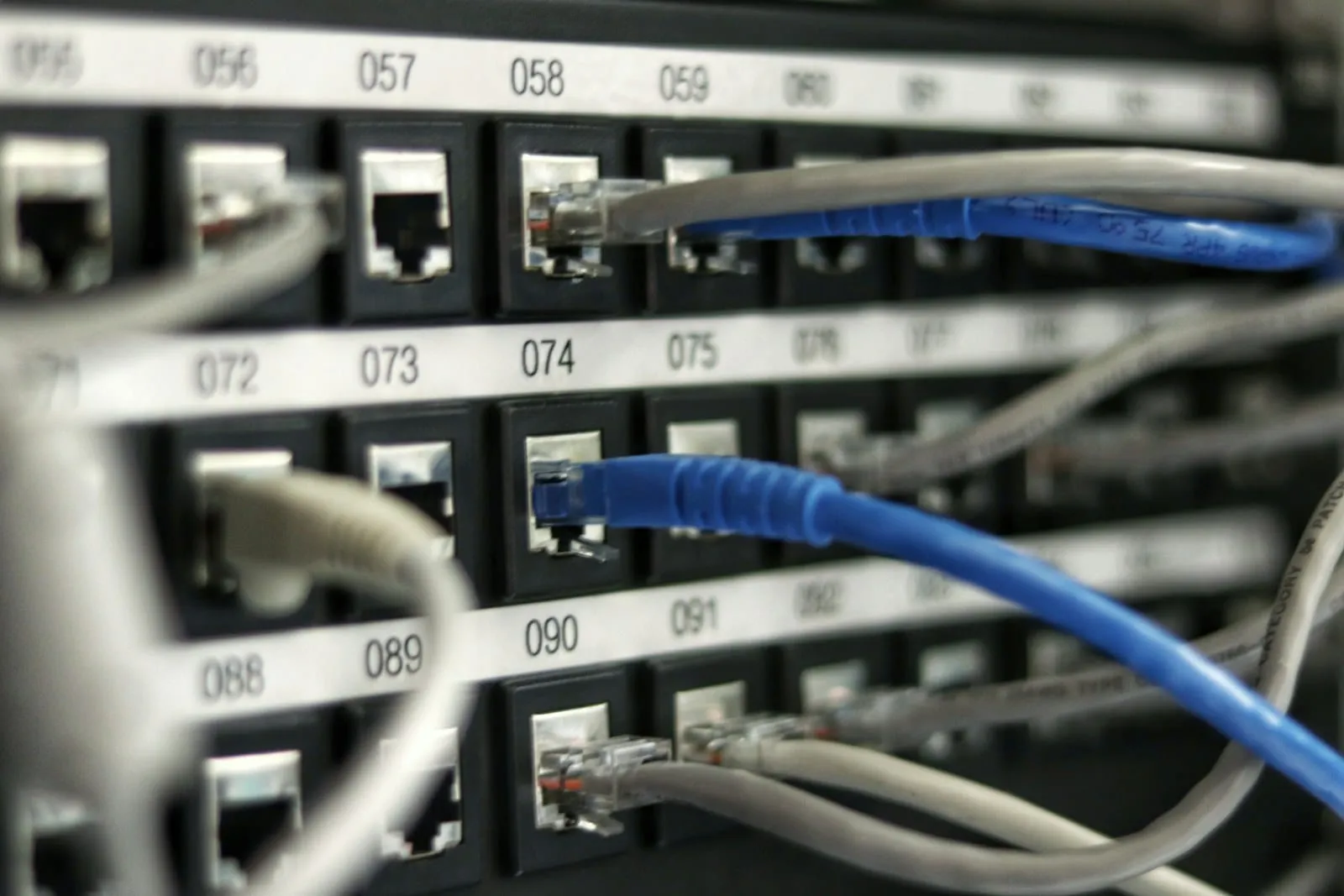
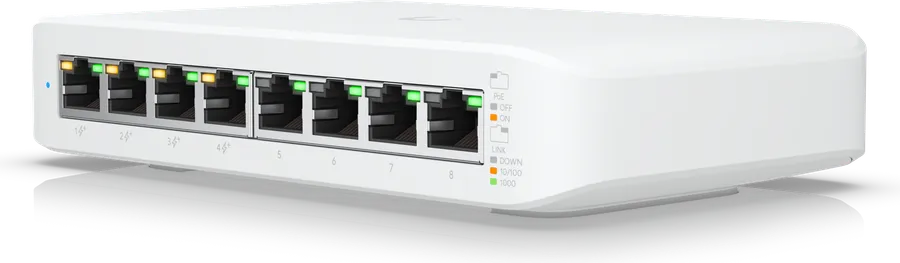
We install Cat5e, Cat6 and Cat6a copper and fibre between buildings or floors, in containment, terminated properly and tested. Cabinets are built with patch panels, cable management and PoE switches sized for what will hang off them. Every port gets a label and a line in the patch schedule, and that schedule lives in your customer portal, so whoever looks after the building can see what connects to what without tracing cables.
For Wi-Fi we fit Ubiquiti UniFi. We design the access point layout for the building rather than guessing, set the kit up on the bench before install day, and at handover export the site to your own controller so the network is yours, not ours. Separate staff and guest networks, and a management console you can actually use, come as standard.
Where you have your own IT people, we hand over to them with the documentation. Where you do not, our sister company KLYK takes it on: Microsoft 365, email security, endpoint protection, connectivity and support, on one enquiry.
Questions people ask
Do you do the whole network or just the cables?
Both. We run and terminate the cabling, build the cabinet, patch it and label it, and fit and configure the switches and Wi-Fi. Where you already have IT support, we hand the network over to them with everything documented; where you do not, our sister company KLYK looks after the rest.
Why UniFi?
It gives a business proper Wi-Fi, with separate staff and guest networks and a management console, without a subscription. We design the access point layout for the building, pre-configure the kit on the bench and hand it over to your own controller, so you own it.
Can one cabinet serve the cameras and the phones as well?
Yes, and it should. Cameras, desk phones and access points all run on power over Ethernet from the same switches, so one tidy cabinet serves the lot and there is one place to look when something needs checking.
What do we get at handover?
Tested runs, a labelled patch panel and a schedule of what every port connects to, kept in your portal, so your IT people can tell staff exactly what to unplug and what to leave alone.